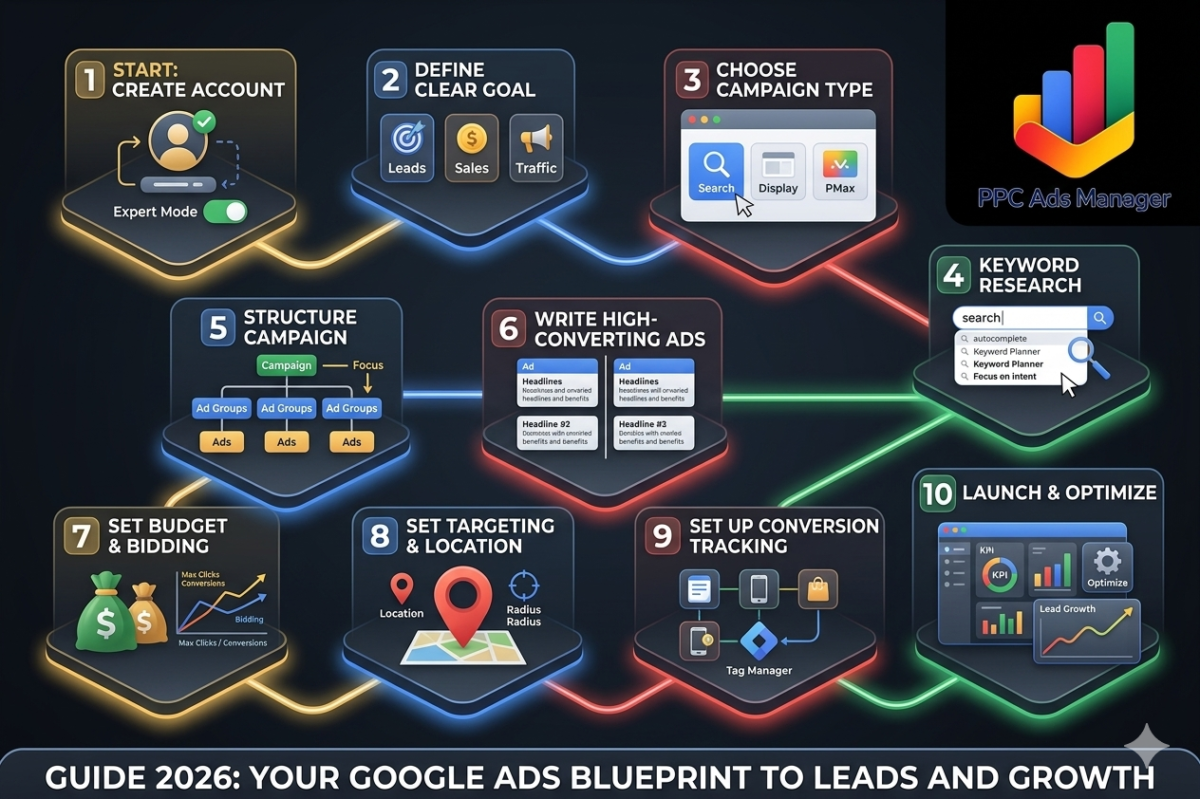
Running Google Ads can feel overwhelming at first, but once you understand the structure and strategy behind it, it becomes one of the most powerful tools to generate leads and sales online. Whether you are a small business owner, a marketer, or someone just getting started, this guide will walk you through everything in a clear and practical way.
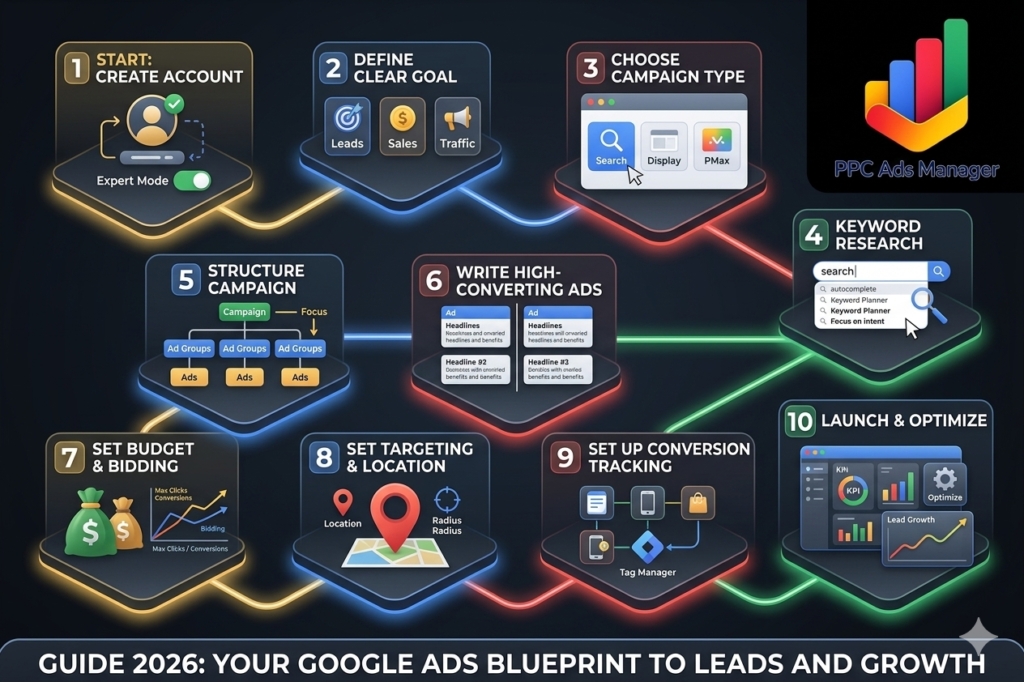
Step 1: Create Your Google Ads Account
Start by visiting Google Ads and signing in with your Google account. During setup, Google may push you toward a simplified campaign. Skip that and switch to Expert Mode so you get full control over targeting, bidding, and creatives.
This small decision makes a huge difference in long-term performance.
Step 2: Define a Clear Goal
Before you launch anything, decide what success looks like. Google Ads works best when campaigns are built around a single objective.
Common goals include:
- Generating leads (forms, calls)
- Driving website sales
- Increasing website traffic
- Promoting app downloads
For beginners, lead generation is often the easiest to measure and optimize.
Step 3: Choose the Right Campaign Type
Google offers multiple campaign types, but you do not need all of them.
Focus on these:
- Search Campaigns for high-intent users searching on Google Search
- Display Campaigns for brand awareness
- Performance Max for automated multi-channel reach
If you are just starting, begin with Search Campaigns. They bring the most relevant traffic because users are actively looking for what you offer.
Step 4: Keyword Research
Keywords are the foundation of your campaign. You need to understand what your audience is searching for.
Use tools like:
- Google Keyword Planner
- Competitor analysis
- Google autocomplete suggestions
Focus on:
- High intent keywords like “buy”, “hire”, “near me”
- Long-tail keywords with lower competition
- Location-based keywords if you serve a specific area
Avoid very broad keywords in the beginning because they can waste budget quickly.
Step 5: Structure Your Campaign Properl
A well-structured campaign improves both performance and cost efficiency.
Basic structure:
- Campaign (Goal + Budget)
- Ad Groups (Theme-based keywords)
- Ads (Creative + messaging)
Keep each ad group tightly focused. For example, if you run a digital marketing agency, separate keywords like:
- “Google Ads services”
- “PPC agency near me”
- “lead generation ads”
This improves relevance and lowers your cost per click.
Step 6: Write High-Converting Ads
Your ad copy is what convinces users to click.
A strong ad includes:
- A clear headline with the main keyword
- A benefit-driven description
- Trust signals like experience or results
- A compelling action-oriented line
Example:
“Get High-Quality Leads with Expert Google Ads Management. Trusted by 100+ Businesses.”
Always create at least 2 to 3 variations and let Google optimize performance.
Step 7: Set Budget and Bidding
Start with a daily budget you are comfortable testing with. Even a small budget can work if targeting is precise.
For bidding:
- Use Maximize Clicks for initial testing
- Switch to Maximize Conversions once you have data
Avoid setting extremely low bids, as your ads may not show consistently.
Step 8: Set Targeting and Location
Choose where your ads will appear. This is crucial for local businesses.
Options include:
- Specific cities or regions
- Radius targeting
- Language targeting
If your business is local, focus only on relevant locations to avoid wasted spend.
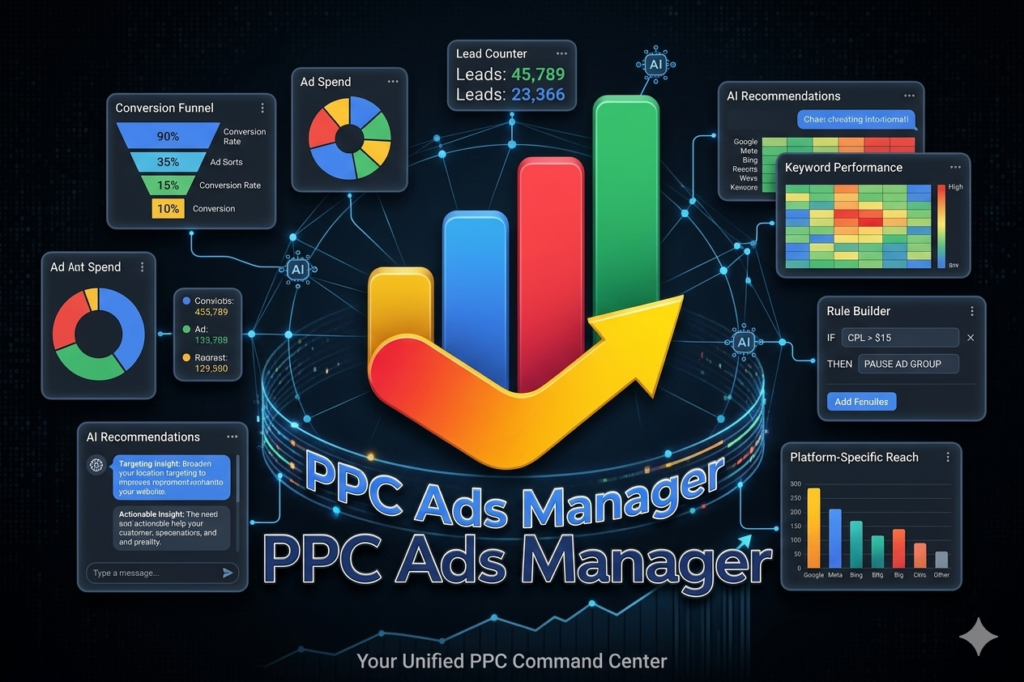
Step 9: Set Up Conversion Tracking
Without tracking, you are guessing.
Set up conversions such as:
- Form submissions
- Phone calls
- Purchases
Use tools like:
- Google Tag Manager
- Google Ads conversion tracking
This helps you understand what is actually working.
Step 10: Launch and Optimize
Once everything is set, launch your campaign and monitor it regularly.
Focus on:
- Click-through rate
- Cost per click
- Conversion rate
- Cost per lead
Pause underperforming keywords and ads. Increase budget on what is working. Optimization is where real results come from.
Want Better Results Without Guesswork
If you want your campaigns to generate consistent leads without wasting budget, getting expert insights can save you months of trial and error. Get free Google Ads audit and discover what is holding your campaigns back and how to fix it.
FAQ
Is Google Ads good for beginners?
Yes, Google Ads is beginner-friendly if you follow a structured approach. Starting with Search campaigns and clear goals makes it easier to manage.
How much budget do I need to start?
You can start with a small daily budget, but consistency matters more than the amount. Even ₹500 to ₹1000 per day can generate results with proper targeting.
How long does it take to see results?
You may start seeing clicks immediately, but meaningful results usually take 2 to 4 weeks of optimization.
What is the biggest mistake beginners make?
Using broad keywords and not setting up conversion tracking. This leads to wasted spend and unclear performance.
Can I run ads without a website?
Yes, you can use call-only ads or lead form extensions, but having a well-optimized landing page significantly improves results.